GCE NPCs Replacer 導入
次にドーンガードのキャラとなります。先に書いたように別ファイルなので注意が必要です。
1. Install Type
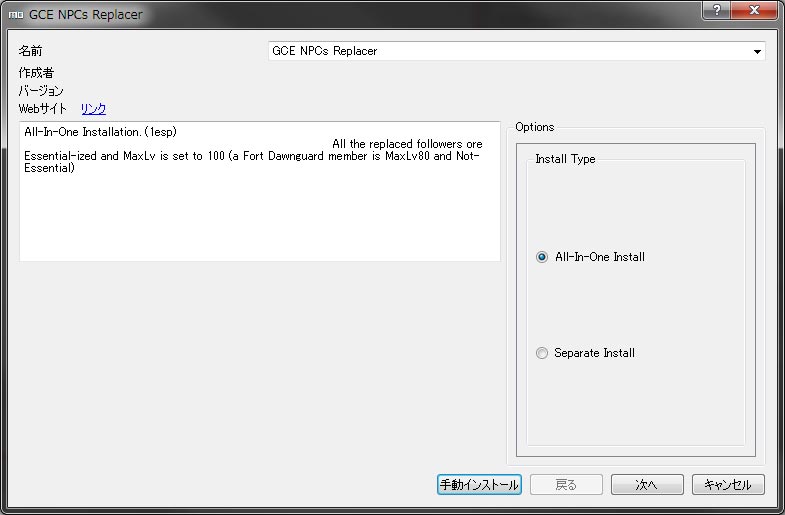 まずはインストールタイプを選択します。これは前にやったのと同じです。全部(3.に飛びます)か選択(2.に進みます)か。
2. Custom
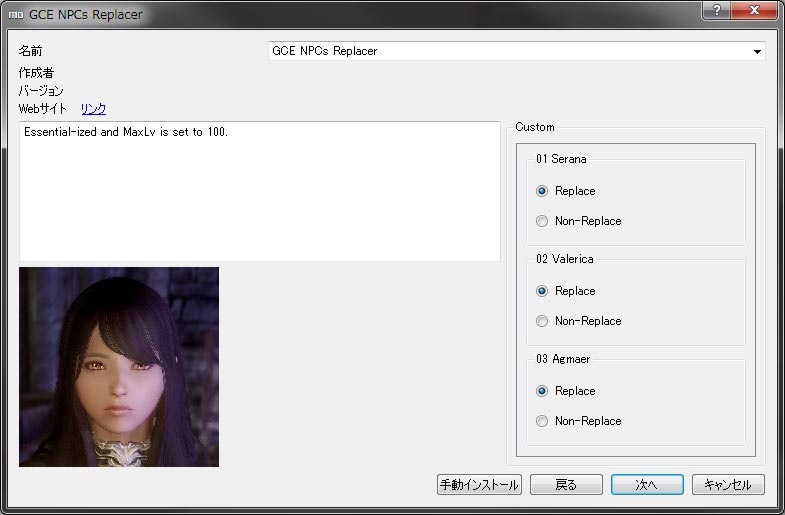 名前を見て貰って変更したくないキャラの選択を「Non-Replace(選択しない)」にします。
対象キャラ
セラーナ、ヴァレリカ、アグミル
3. Custom 3/Female Body Type
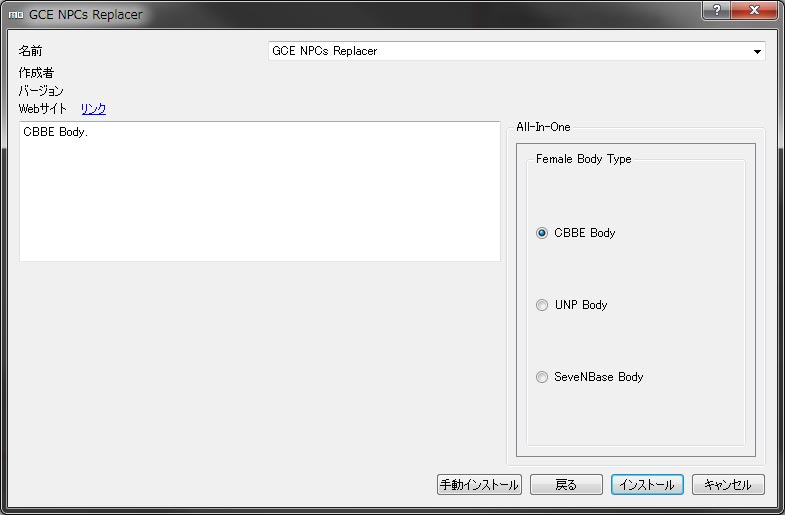 最後にボディタイプを選択してインストール開始となります。
※アエラだけは別ファイルになっています。もし導入したい場合は同胞団クエの「シルバーハンド」が終了してからOptional filesの「GCE NPCs Replacer OP Aela Installer(MO/NMM対応)」をインストールしてください。
また、Tullius、Ulfric、Ralof、Hadvar、Rikkeの顔が黒くなった場合は、Optional filesの「GCE NPCs Replacer OP Facetexture Fix(MO/NMM対応)」をインストールしてください。
Pages: 1 2